
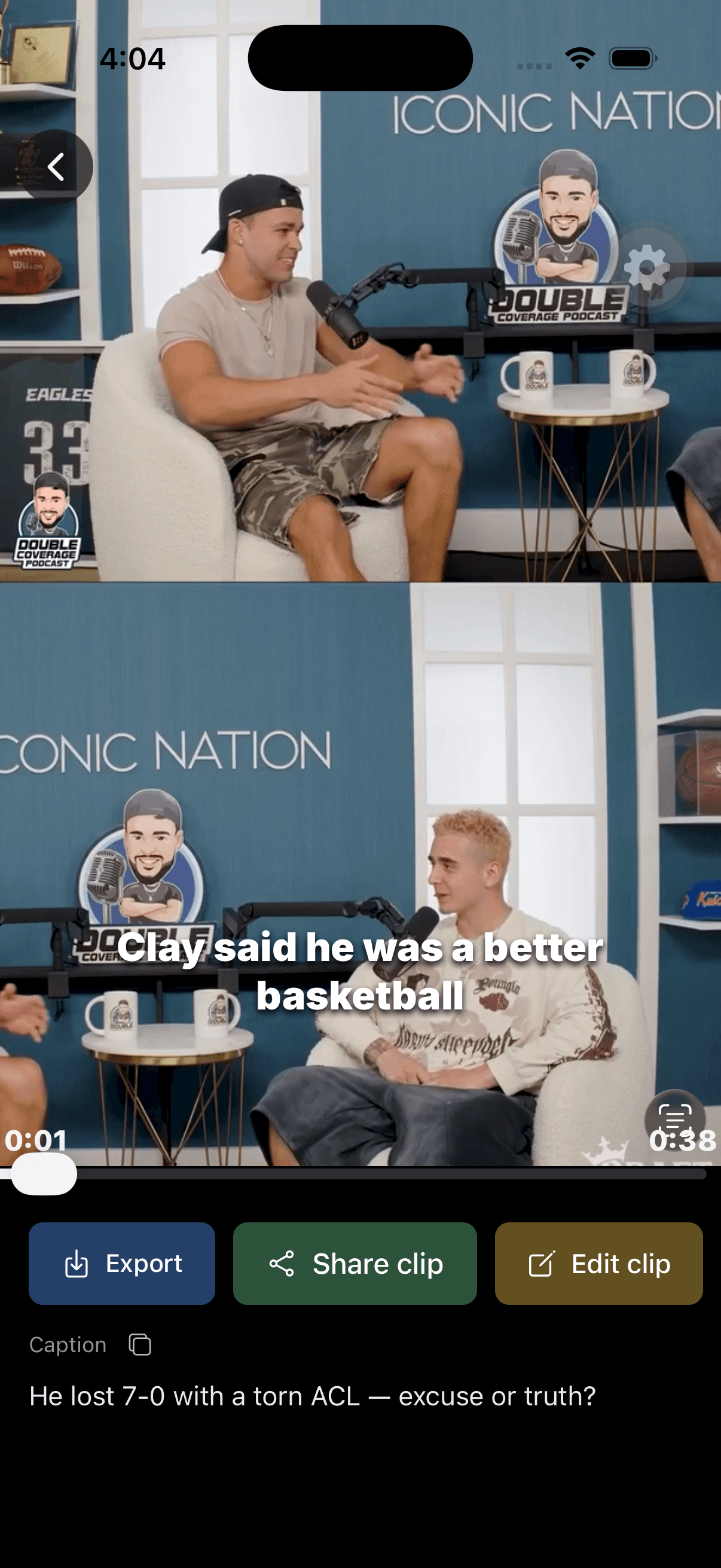
Check the idea, not just the hook
Watch the beginning and ending together. Can someone understand who or what the speaker means without the original recording? Listen for a qualification that was cut off: “usually,” “in this example” or “if” can change the meaning of the sentence.
- The opening identifies the subject.
- The clip contains a complete explanation, answer or moment.
- The ending does not cut away before a correction or important caveat.
For interviews, check that the excerpt does not turn a question into the speaker’s own claim. Our podcast clipping workflow explains how to choose self-contained excerpts.
Read the captions against the audio
Check proper names, product names, numbers and words that sound similar. “Fifteen” and “fifty” can both look plausible in a transcript. Use the audio as the reference, rather than guessing from the surrounding sentence.
- Names and numbers match the recording.
- Words appear when they are spoken.
- Lines remain readable against both bright and dark footage.
- Caption placement does not hide a face, chart label or demonstration.
For a fast spot check, mute the video and see whether the captions remain understandable; then restore the sound and check timing. This is an editing check, not a substitute for watching the full result. See caption editing for the available controls.
Check the crop and every added layer
A portrait crop that works for a close-up may fail when the speaker switches to a screen share. Inspect the whole clip, especially scene changes, slides and two-person conversations.
- Faces and essential visual information remain in frame.
- Text and image layers begin and end where intended.
- Layer order does not hide something important.
- Text stays readable at the size people will actually watch.
- The destination platform’s controls do not cover your message.
Do not assume there is a universal safe-area measurement for every social app. Check the destination’s current preview with the exported video before publishing.
Check the actual downloaded file
The editing preview is useful for making decisions. The downloaded export is the file your audience will see. Open it after export and check the first frame, last frame, sound, captions and overlays.
- The file opens and plays from beginning to end.
- Audio is present and in sync.
- The aspect ratio and crop are what you selected.
- Captions and overlays match the saved edits.
- Watermark behavior matches your plan: Free includes a Keyframe watermark; Pro removes it.
- You have saved a copy before the project’s displayed media expiry date.
If you edit after downloading, export again and use the new file. Renaming an old download does not apply your latest changes. Downloading an already finished export does not consume additional processing credits; starting a new processing job does. See plans and credits.
Keep a simple handoff record
Use a filename that identifies the project and version, such as “garden-interview-soil-tip-v2.mp4”. For a team handoff, include the intended destination, any caption wording that must stay unchanged and whether the file is the final approved export.
Only publish footage you own or are permitted to repurpose. A working download link is not evidence of permission. Keep the original recording available so you can verify context or make a correction later.
Ready to apply the checklist? Open Keyframe in your browser, or follow the complete browser workflow.