Free
No subscription neededFind your first great moments.
$0to get started
60 credits
A one-time welcome gift for new accounts.
- AI clip selection and video captions
- Caption styling and editing tools
- Exports with the Keyframe watermark
 keyframe
Made for creators
Turn your longer videos into moments people want to watch. AI clips, editable captions, and easy exports. In your browser or on iPhone and iPad.



Podcasts · Interviews · Lessons · Streams
MADE FOR YOUR WORKFLOW
Find a moment in a long recording, or add the finishing touch to a video you already love.
Find moments in a longer recording, review your clips, and prepare them for social video.
Explore the workflowCaption a video, correct the transcript, and choose a readable style before exporting.
Explore the workflowTurn a supported YouTube link into short clips you can review and export in your browser or on iPhone.
Explore the workflowRepurpose video interviews and podcast conversations into focused, captioned excerpts.
Explore the workflow
CAPTIONS THAT FEEL LIKE YOU
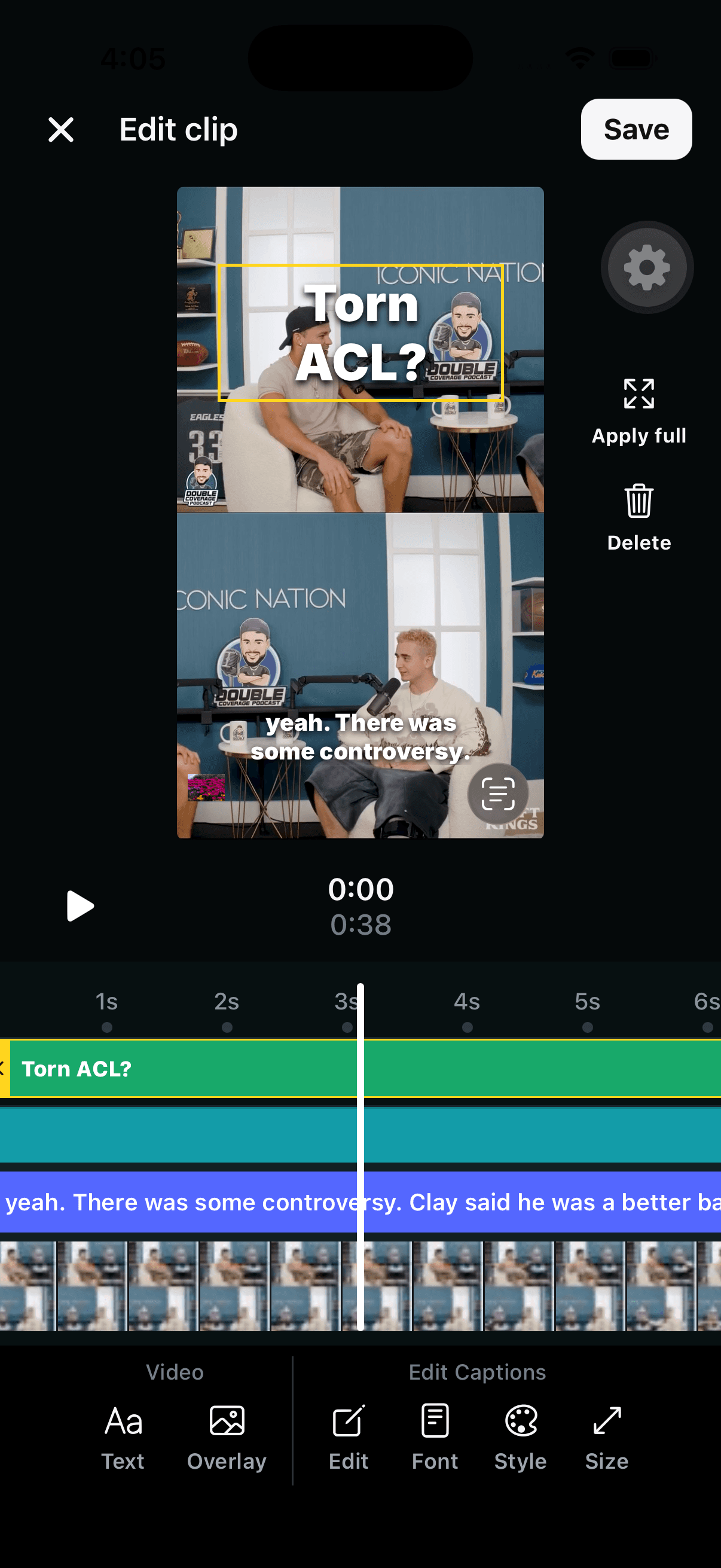
Correct the transcript. Pick a font. Give your captions the size, color, and position that work for your video.
Explore video captionsGreat moments, ready to share. Choose the space you need to create.
Find your first great moments.
A one-time welcome gift for new accounts.
Make creating part of your routine.
Included every monthly billing period.
1 credit = 1 minute of video processing, rounded up. See your estimate before you start.
Use Keyframe in your browser or on iPhone and iPad. Web Pro checkout is rolling out; availability appears in your account. Prices shown in USD.
More about plans and creditsA FEW GOOD QUESTIONS
Use AI Clips to find short excerpts in a longer recording, or Video Captions to caption a video you have already chosen. Review the result, edit the captions, and export in your browser or on iPhone and iPad.
Yes, Keyframe supports YouTube link imports. Restricted or unavailable sources may not import. Use videos you own or have permission to repurpose; if a link is unavailable, you can try your original video file.
Keyframe prepares your video for export. You review the finished file and publish it through your chosen platform, so you stay in control of the post.
Yes. New accounts get 60 one-time processing credits, with Keyframe-watermarked exports. Pro includes 1,000 credits each month and removes the export watermark. See Pricing for details.
Processing time and the number of clips vary with your source and selected options. Review each suggestion for context, transcription accuracy, and framing before publishing.
GIVE YOUR VIDEO A SECOND LIFE
Available in your browser and on the App Store for iPhone and iPad.